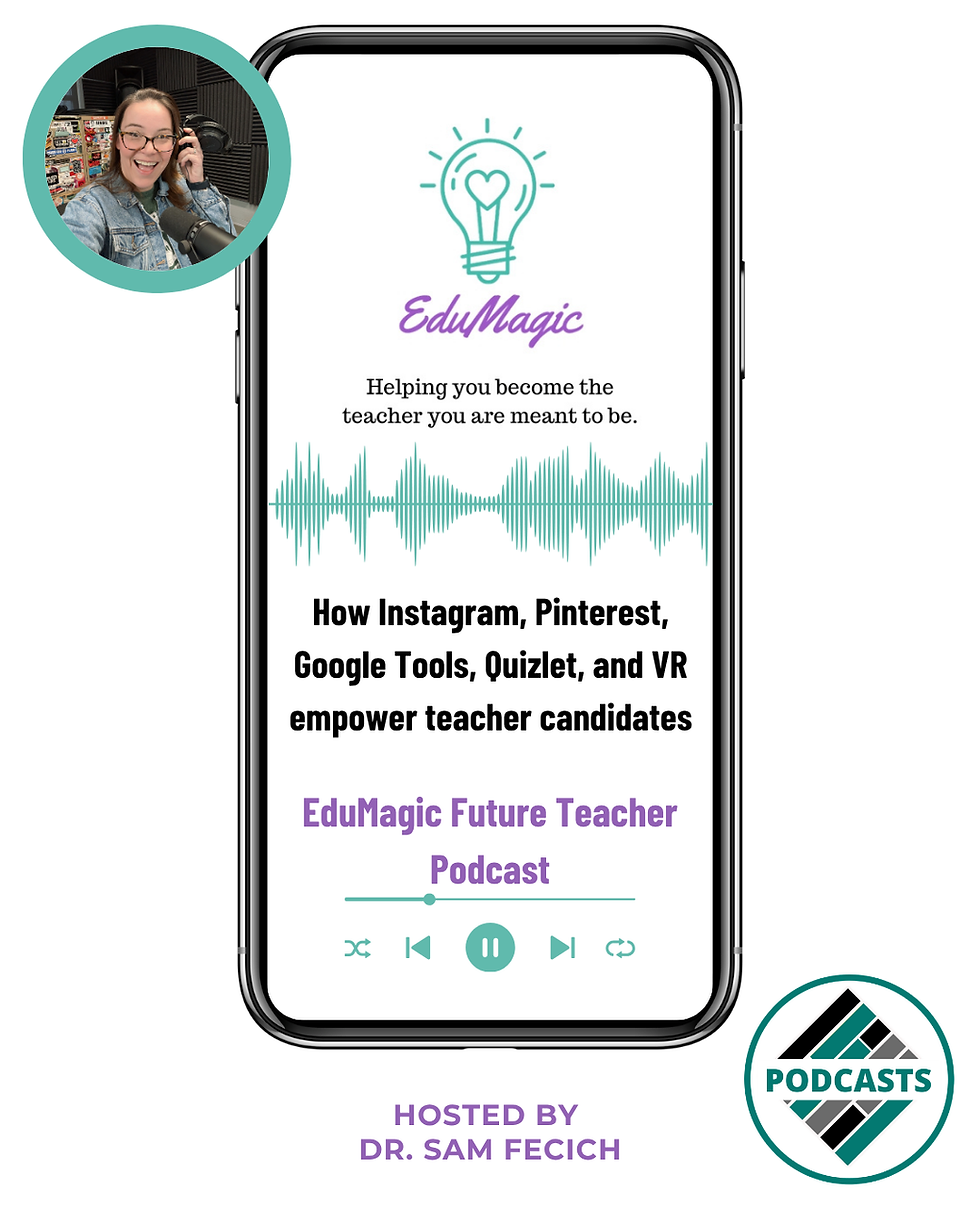
How Instagram, Pinterest, Google Tools, and VR empower teacher candidates

Educational technology continues to reshape how teachers teach and how students learn. For teacher candidates, understanding and using digital tools effectively is no longer optional; it’s essential.
From social media platforms to interactive learning technologies, edtech tools provide opportunities for collaboration, creativity, assessment, and engagement. This article explores powerful tools, including Instagram, Pinterest, Google Forms, Google Sites, Quizlet, and Virtual Reality (VR), and how they support both teachers and students in modern classrooms.
Empower teacher candidates through Instagram
Instagram is more than a social media app, it can be a professional learning network for teacher candidates. Educators can document their teaching journey, share classroom ideas, and connect with veteran teachers across the world. Features such as stories, polls, questions, and analytics (available with business or professional accounts) allow teachers to gather feedback and measure engagement.
However, maintaining professionalism is critical. Teacher candidates must be aware of their digital footprint, keep personal lives private, and ensure public accounts remain school‑appropriate. When used thoughtfully, Instagram becomes a powerful tool for reflection, collaboration, and professional growth.
Empower teacher candidates through Pinterest
Pinterest allows educators to curate visual inspiration through boards filled with lesson ideas, classroom décor, templates, worksheets, and creative projects. Teacher candidates can even use Pinterest to establish an online professional identity, showcasing their teaching philosophy, subject area, and personality.
Pinterest also benefits students by supporting brainstorming, creativity, and collaboration. While users should remain aware of AI‑generated or misleading content, Pinterest remains a highly accessible platform for gathering ideas and enhancing engagement for both teachers and learners.
Empower teacher candidates through Google Forms: Simple, Efficient Assessment
Google Forms is one of the most practical tools for classroom assessment. Teacher candidates appreciate its simplicity, instant feedback, and automatic grading features. Forms can be used for quizzes, exit tickets, surveys, student government polling, and peer feedback.
Although its design may feel basic, Google Forms' efficiency saves teachers valuable time and reduces student anxiety by providing immediate results. Its ease of use makes it an ideal entry‑level assessment tool for new educators.
Empower teacher candidates through Google Sites: Organizing Learning in One Place
Google Sites allows teachers and students to create organized, easy‑to‑navigate websites. Educators can use it to share class resources, assignments, calendars, and achievements, while students can use it for digital portfolios and project hubs.
Built‑in accessibility features such as text‑to‑speech and voice typing support diverse learners. Seamless integration with other Google tools, such as Docs, Slides, Forms, and Calendars, makes Google Sites an effective solution for decluttering content and improving clarity.
Empower teacher candidates through Virtual Reality (VR): Immersive Learning Experiences
Virtual Reality and Augmented Reality bring learning to life through immersive experiences that traditional instruction cannot replicate. Tools like History‑based VR apps allow students to explore historical sites, while AR programs let students interact with their own creations.
By engaging multiple senses: sight, sound, and motion, VR increases motivation, curiosity, and understanding of abstract concepts. While considerations such as device access and Wi‑Fi stability exist, the educational benefits and potential for engagement make VR a powerful emerging classroom tool.
Educational technology empowers teacher candidates to collaborate, assess, organize, and inspire learning in new ways. Whether building a professional identity on Instagram and Pinterest, assessing learning through Google Forms, organizing content on Google Sites, or transforming instruction through VR, these tools prepare educators for the classrooms of today and tomorrow.
